
depends on
Required files or plugins needed for this resource to work properly.
About Harbor Event
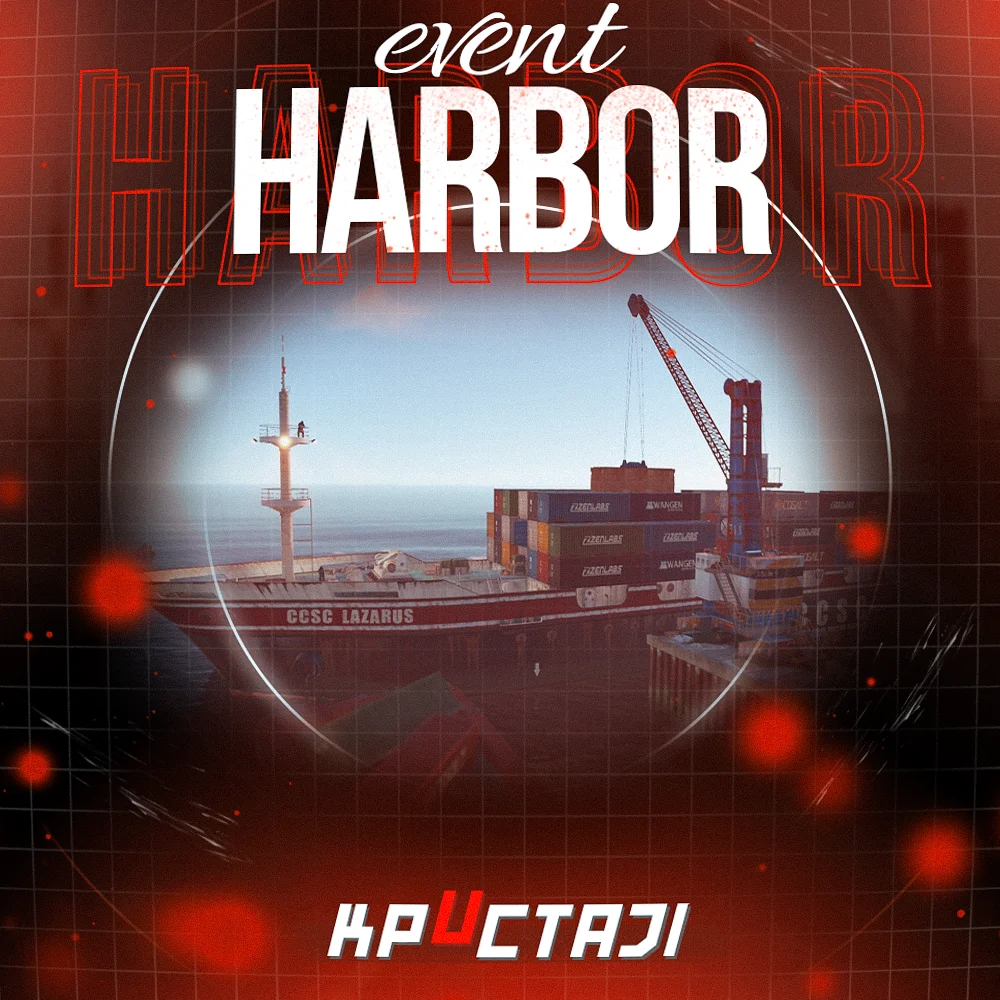
Creates a unique event at the Harbor monument for players to participate in for rewards. Players must battle numerous NPCs and APCs to access the puzzle to open the loot room!
Description
This event started off as a warning on the chatbox about the ships coming soon to dock in Port, loaded with precious cargo. After the period has passed, a ship appears in one of the locations at Harbour that are accessible from the map, where the crane loads the container.
The loading area is protected by one Tank and 7 NPCs by default. The container door is locked, you must push a button from inside the cranes cockpit to open the door. Inside the container, there is a default security camera, locked box, 2 DMS, 2 Elite, and 2 Military boxes.
The locations and loot from all crates/NPCs can be configured within configurations, and unwanted crates/NPCs added or removed. Also, ships will generate the default ship loot, e.g. The config file allows to modify tank as well as loot inside of the ship.
When the event occurs, the map displays the markers (configured in the config file). All players that are inside the event area will have a timer counting down the amount of time until the event ends.
Dependencies Required
Dependencies (optional, not required)
Chat commands (only for administrators)
/harborstart – starting of the event
/harborstop – ending of the event
/harborpos – determining the position and rotation coordinates for changing the location of NPCs and crates.It should write in the configuration (Attention! The event must be started, the current position of the administrator in relation to the cargoship is read)
Console commands (RCON only)
harborstart – starting of the event
harborstop – ending of the event
Plugin Config
Hooks
void OnHarborEventStart() – called when the event starts
void OnHarborEventEnd() – called when the event ends
void OnHarborEventWinner(ulong winnerId) – called at the end of the event, where the winnerId is the player who did more actions to complete the event
Create an account or sign in to leave a review
There are no reviews to display.